All features
Everything the job needs, on one record
Daily reports, closeout packages, GPS verification, and the customer portal each have a page. This is the rest of what comes with every plan.
30 days free · no card required
Points register
A register that matches the wall
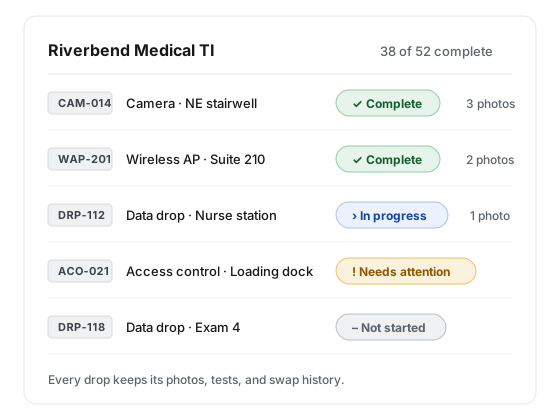
Every drop is a point with a type and an ID like CAM-014, unique on the project and never reused. Types come with a proof checklist you can edit: photos, a video, a typed value, an attachment, a port map.
Complete is computed from proof, nobody declares it. The office can mark a point Needs attention with a note, or Not required, in bulk across the register. Every status change is logged with who and why.
Plans and pins
Pin every drop to the drawing
Upload a PDF drawing set and each page becomes a sheet. The office places one pin per point; pins are stored as fractions of the sheet, so zooming or re-rendering never moves them.
Technicians and customers see the plans view-only. A newer set is a new plan; the old one is archived whole, pins where they were, so nothing is silently misplaced.
Schedule
Work days, not date ranges
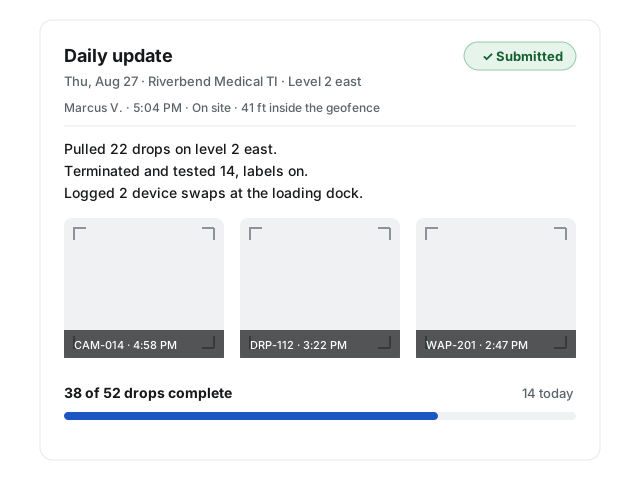
Each work day is one date with a Full day or Half day preset, a note, and the crew expected. The preset sets the reporting deadline, the reminder, and the missed-report notice.
Reschedule twenty days across three techs and each tech gets one summary, not sixty texts. The customer sees dates and presets, never the crew. Extend today’s reporting window when the day runs long.
Requests
Needs from the field, changes from the customer
A tech raises a need in six kinds, with an urgency: material, tool, information, access, decision, or scope. The office acknowledges, fulfills, or declines with a reason, and urgent ones notify right away.
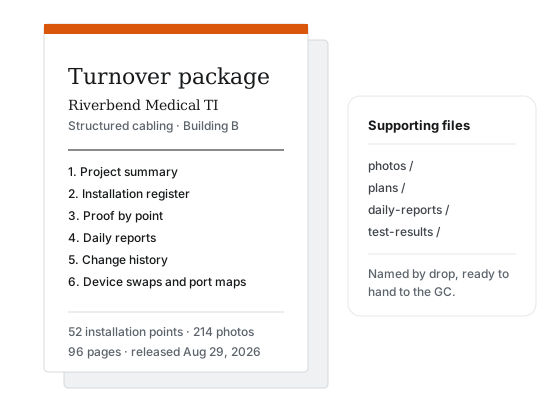
Customers raise change requests from the portal. Mark the ones that belong in the closeout and they carry into the turnover package.
And the rest
Device replacements
A replacement is a flag on the point. The removed device’s photo, make, model, serial, condition, and disposition build the replacement schedule.
Port maps and test reports
Structured port-map rows and attached test reports satisfy checklist lines and land in the package by point.
Notifications that respect the day
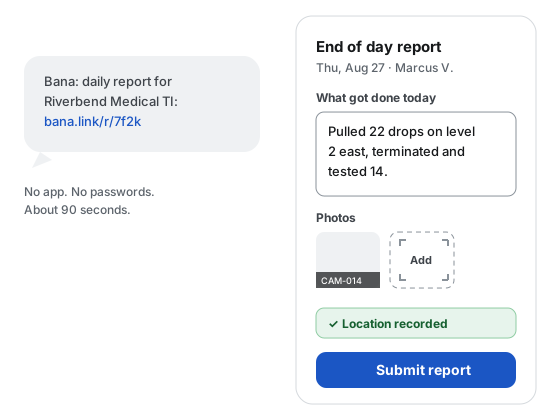
Daily links, reminders, missed-report notices, package status, comments, and change updates. Most have their own on or off; today’s link always gets through.
English and Spanish
The field surface, the daily link, and the reminders ship in both. Point-type names can be machine-translated when a translation provider is configured.
Data export
Pack one project or the whole organization as CSV tables plus the same file structure as the closeout ZIP, including the audit trail. Links live 7 days.
Media cleaned on the way in
Photos are resized, HEIC becomes JPEG, and location tags are stripped. Video is capped at 30 seconds and re-encoded with its metadata dropped.
Dormant projects
A quiet job stays on the books without daily noise, and a digest tells you what changed while it slept.
Comments, with translation on demand
Comment on a point or a report. When a provider is configured, translate a comment in place and switch back to the original.
Try all of it on one project
Every capability is on every plan. Start with 30 days free, no card required.